
Seasonal Maintenance Tips for UV Laser Engraving Machines


Introduction to Seasonal Maintenance
UV laser engraving machines are powerful tools used in various industries for precision marking and engraving. To ensure they function optimally all year round, it's crucial to perform regular seasonal maintenance. This not only extends the lifespan of the machine but also maintains the quality of your engravings.
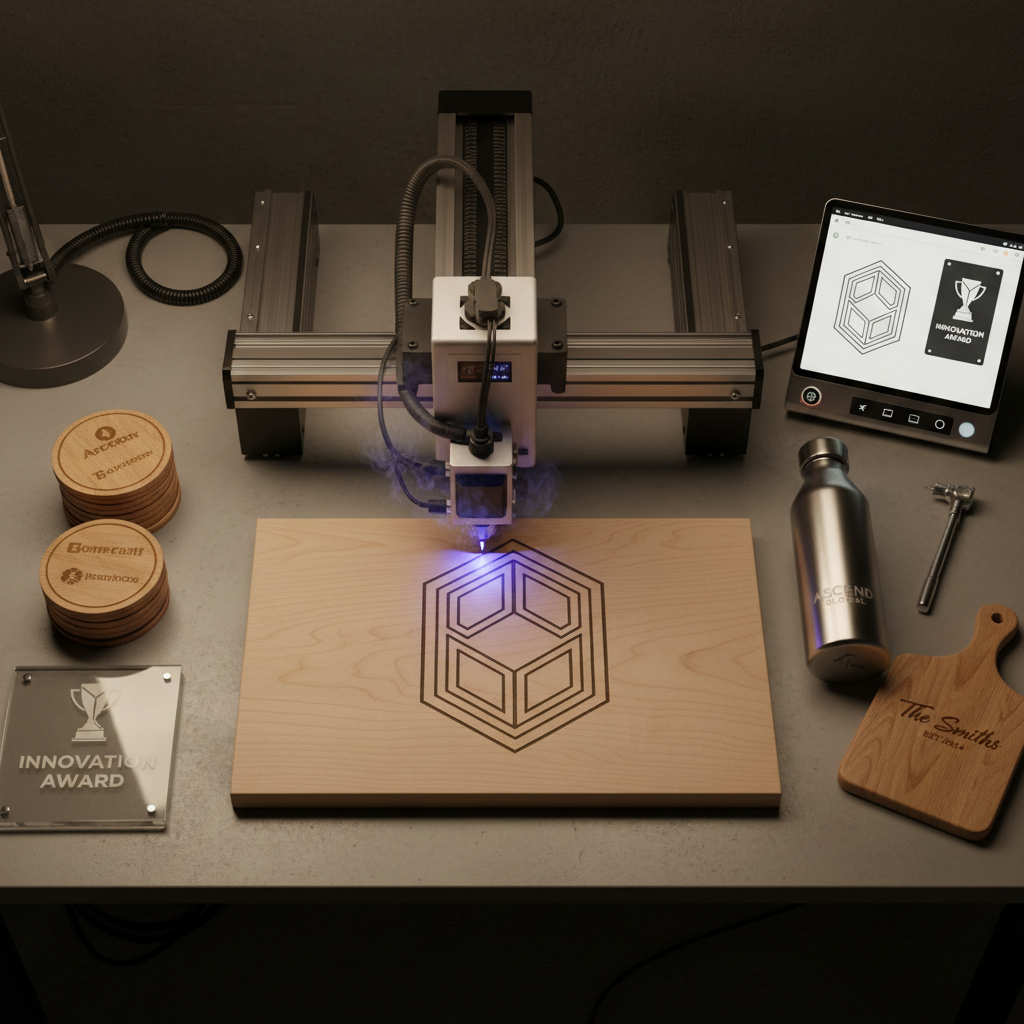
Spring Cleaning: Preparing for Optimal Performance
Spring is an excellent time to give your UV laser engraving machine a thorough check-up. Start by cleaning all the components, including the lenses and mirrors. Dust and debris can accumulate over time, affecting the laser's accuracy and power.
Ensure that you use only recommended cleaning solutions and tools to avoid damaging sensitive parts. A soft microfiber cloth is ideal for wiping down surfaces without leaving scratches.
Inspecting the Cooling System
As temperatures rise, the cooling system becomes more critical. Check for any blockages or leaks in the water cooling system. Regularly replacing the cooling fluid can prevent overheating and ensure the machine runs efficiently during warmer months.
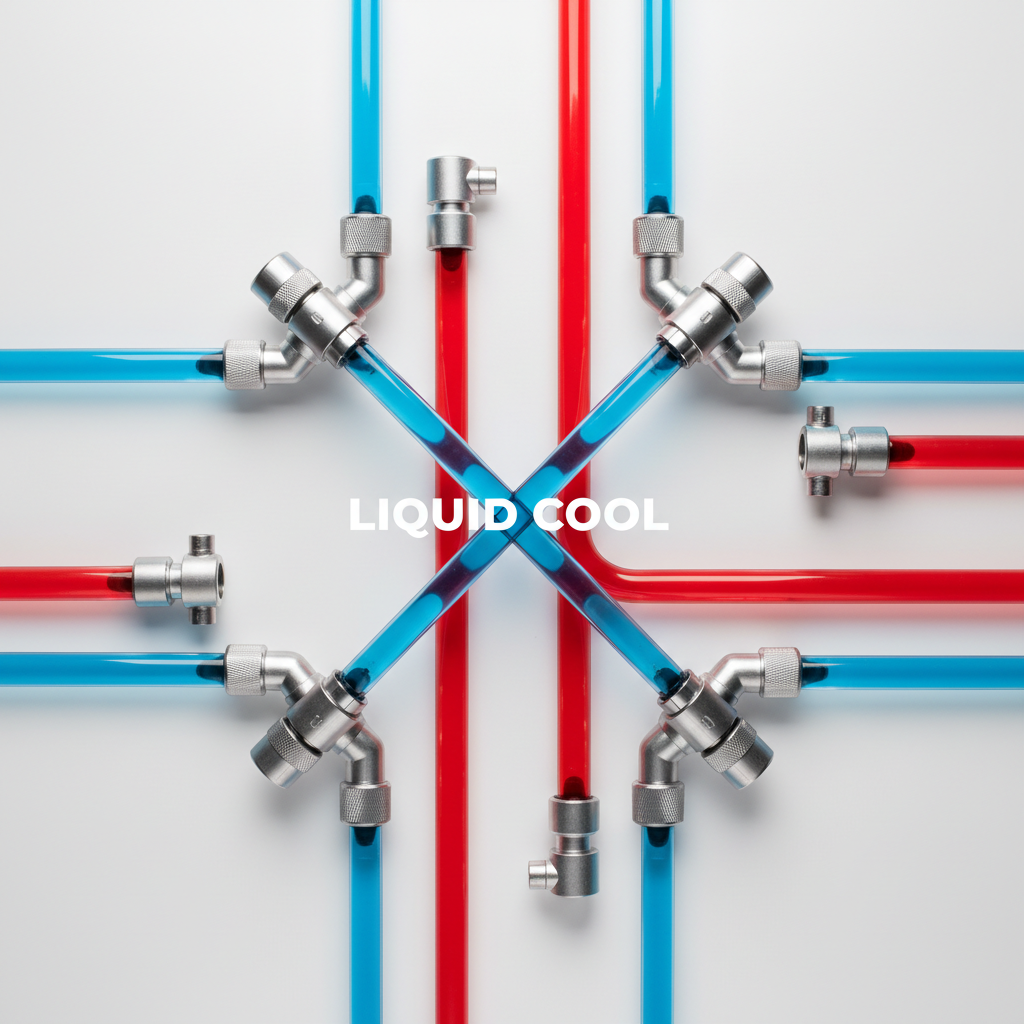
Summer: Keeping Your Machine Cool
During the summer, high temperatures can impact the performance of your UV laser engraver. Position the machine in a well-ventilated area to help dissipate heat. If possible, install air conditioning or use fans to maintain a stable environment.
Regularly monitor the machine's temperature settings and adjust as necessary to prevent overheating. This ensures that the laser operates smoothly without unexpected downtime.
Lubrication of Moving Parts
Heat can cause lubrication to break down faster, leading to increased friction and wear. Check and lubricate all moving parts, such as the rails and bearings, with the manufacturer's recommended lubricant to keep everything running seamlessly.
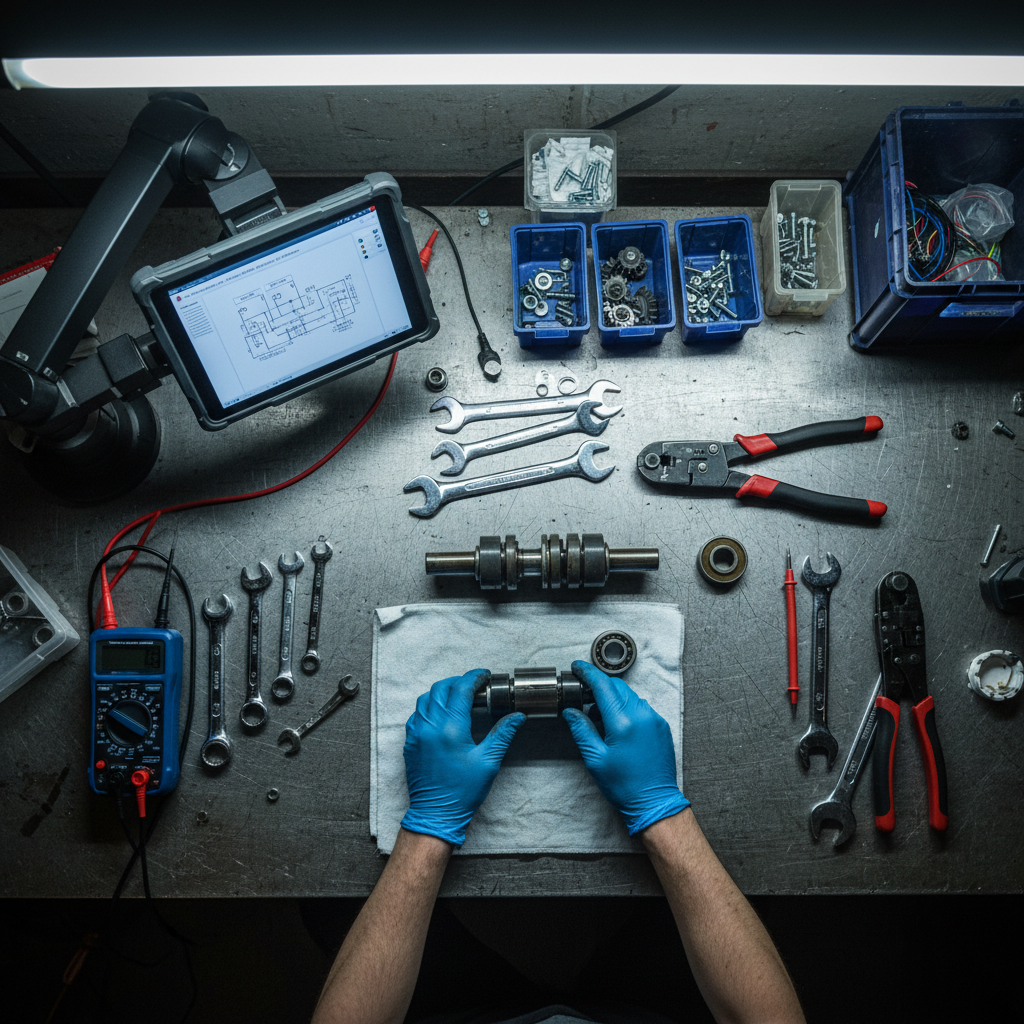
Fall: Preparing for Cooler Temperatures
As fall approaches, it's time to prepare your machine for cooler weather. Inspect and clean the air filters to ensure they are free of dust and debris. This will help maintain proper airflow and prevent any blockages that could affect performance.
Additionally, check the laser tube for any signs of wear or damage. Replacing it before it fails can save time and reduce operational downtime.
Software and Firmware Updates
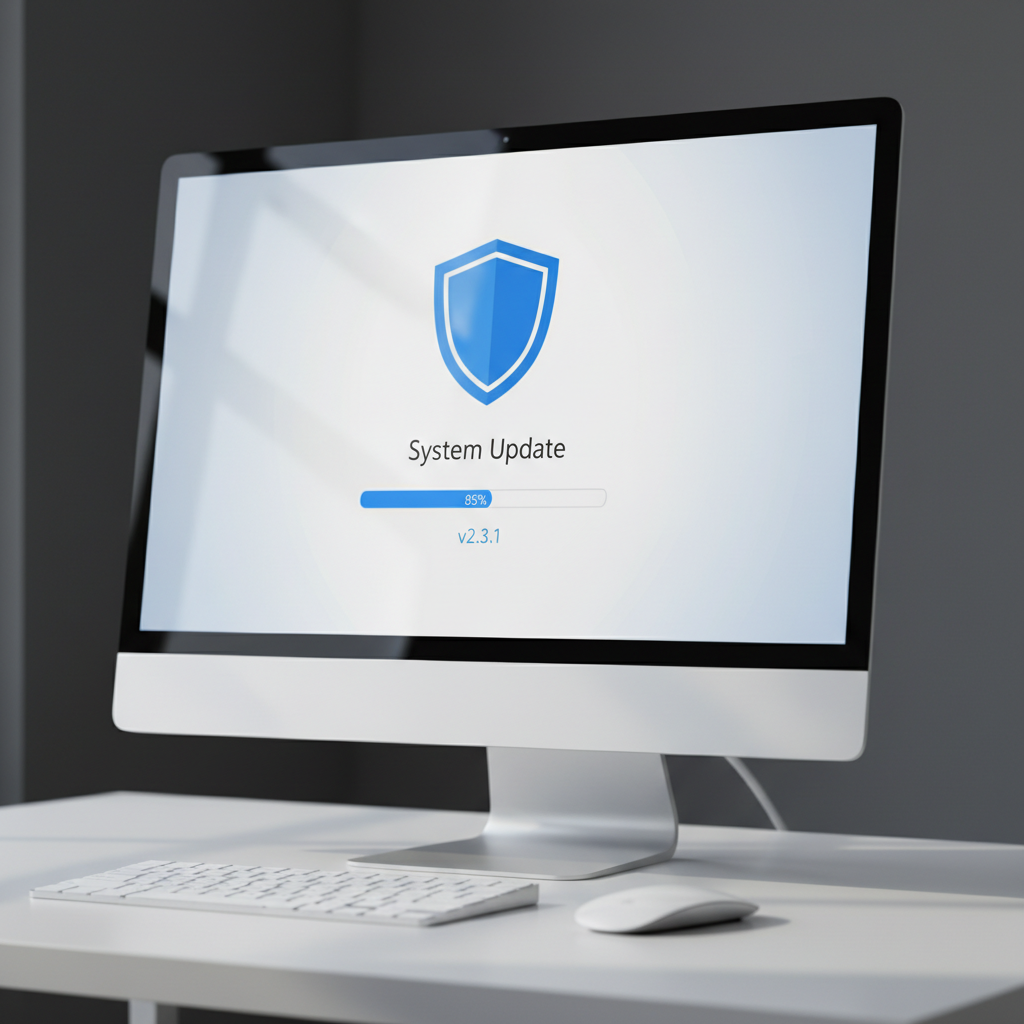
Fall is also an excellent opportunity to update the software and firmware of your UV laser engraving machine. Manufacturers often release updates that improve functionality and security. Keeping your system up-to-date ensures optimal performance and protection against potential vulnerabilities.
Winter: Ensuring Longevity During Cold Months
In winter, the cold can affect the machine's components, especially if it's stored in a non-heated area. Consider using heaters or thermal blankets to maintain a stable temperature around the machine.
Regularly check for condensation, which can cause electrical issues. If condensation is present, take steps to control humidity in the storage area.
Backup and Documentation
Finally, ensure that all your work and settings are backed up regularly. Keeping detailed maintenance logs and documentation can help troubleshoot issues more effectively and streamline future maintenance tasks.
By following these seasonal maintenance tips, you can ensure that your UV laser engraving machine operates efficiently and reliably throughout the year, providing high-quality results for all your engraving projects.