
Implementing Makerspaces in Schools: A Comprehensive Guide


Understanding Makerspaces
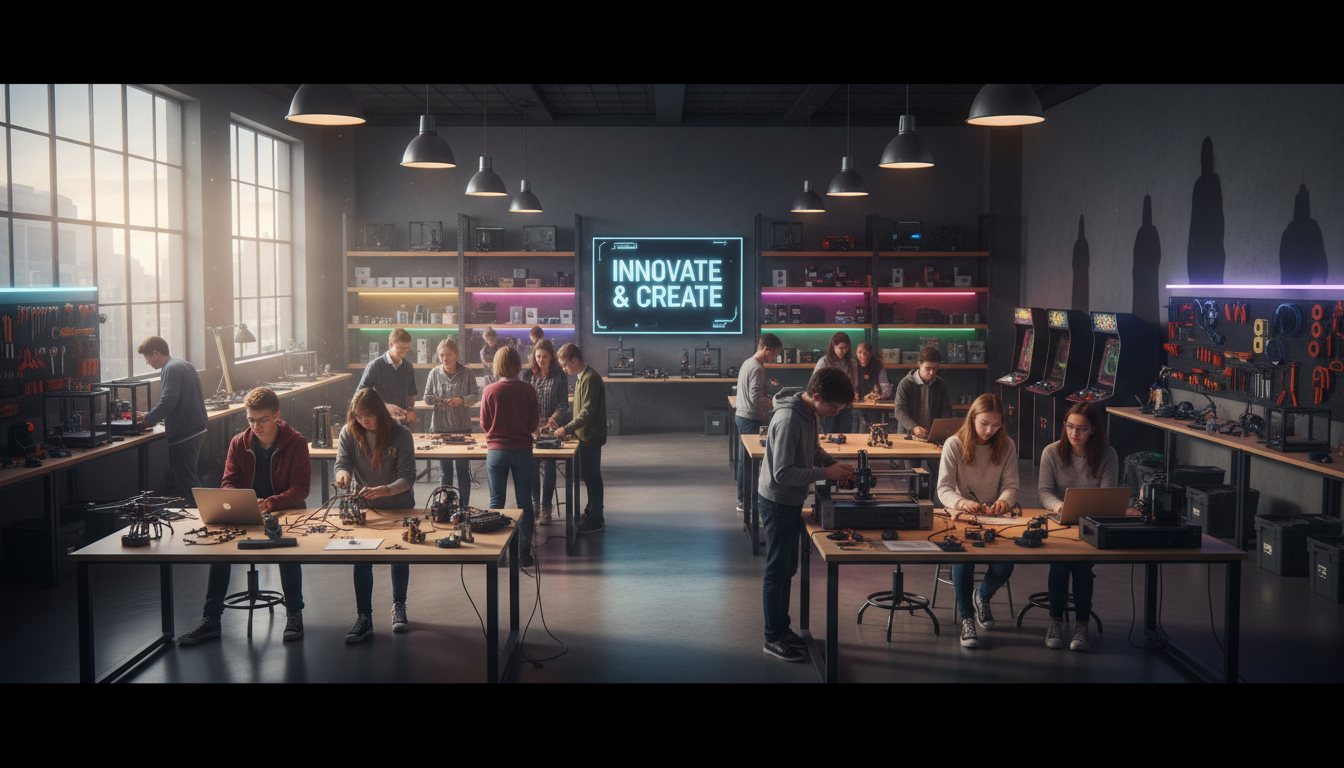
Makerspaces are innovative learning environments where students can engage in hands-on activities to explore and create. These spaces foster creativity, critical thinking, and collaboration, allowing students to bring their ideas to life through various tools and materials. The concept has gained traction in educational settings, providing a platform for experiential learning.
Benefits of Makerspaces in Schools
Implementing makerspaces in schools offers numerous benefits. Students develop problem-solving skills as they tackle projects and learn to iterate solutions. This hands-on experience is invaluable, encouraging a growth mindset. Additionally, makerspaces promote interdisciplinary learning, integrating subjects like science, technology, engineering, arts, and mathematics (STEAM).
Moreover, makerspaces can cater to diverse learning styles. Students who might struggle in traditional classroom settings often excel when given the opportunity to learn by doing. This inclusive approach ensures that all learners can benefit from the makerspace experience.
Planning Your Makerspace
Before setting up a makerspace, it's crucial to plan effectively. Consider the goals you want to achieve and how the space will be utilized. Engage with teachers, students, and parents to gather input and foster a sense of ownership. Identifying the right location within the school is also essential, ensuring the space is easily accessible and conducive to creativity.
Essential Tools and Materials
Equipping your makerspace with the right tools and materials is vital for its success. Start with basic supplies such as scissors, glue, and paper, and gradually incorporate more advanced tools like 3D printers, laser cutters, and electronics kits. Ensure that the tools are age-appropriate and safe for student use.
- Basic crafting supplies
- 3D printers and design software
- Electronics kits and soldering tools
- Computer stations with internet access
Integrating Curriculum and Makerspaces
To maximize the impact of your makerspace, integrate it with the existing curriculum. Collaborate with teachers to design projects that complement classroom learning objectives. This integration can enhance student engagement and provide practical applications for theoretical concepts.

Training and Professional Development
Providing training and professional development for teachers is essential to the success of a makerspace. Educators should be familiar with the tools and technologies available, as well as effective strategies for facilitating student-led projects. Workshops and ongoing support can help teachers feel confident and prepared to guide students in this dynamic environment.
By investing in professional development, schools ensure that makerspaces become a sustainable part of the educational experience, benefiting both teachers and students.
Evaluating and Evolving
Once your makerspace is up and running, regular evaluation is necessary to ensure it meets the needs of students and aligns with educational goals. Gather feedback from students and teachers to identify areas for improvement. Adapt and evolve the space based on this feedback to maintain its relevance and effectiveness.

Implementing a makerspace in a school setting is a rewarding endeavor that can transform the learning experience. By fostering creativity, collaboration, and problem-solving, makerspaces empower students to become innovators and lifelong learners. With careful planning and continuous evaluation, schools can create an environment where every student has the opportunity to thrive.