
Expert Tips for Maintaining Your Laser Engraving Equipment


Regular Cleaning and Maintenance
Maintaining your laser engraving equipment starts with regular cleaning. Dust and debris can accumulate quickly, affecting the performance of your machine. Use a soft, lint-free cloth to wipe down the exterior and any accessible parts. Pay special attention to the laser lens, as dirt can significantly impact engraving precision.
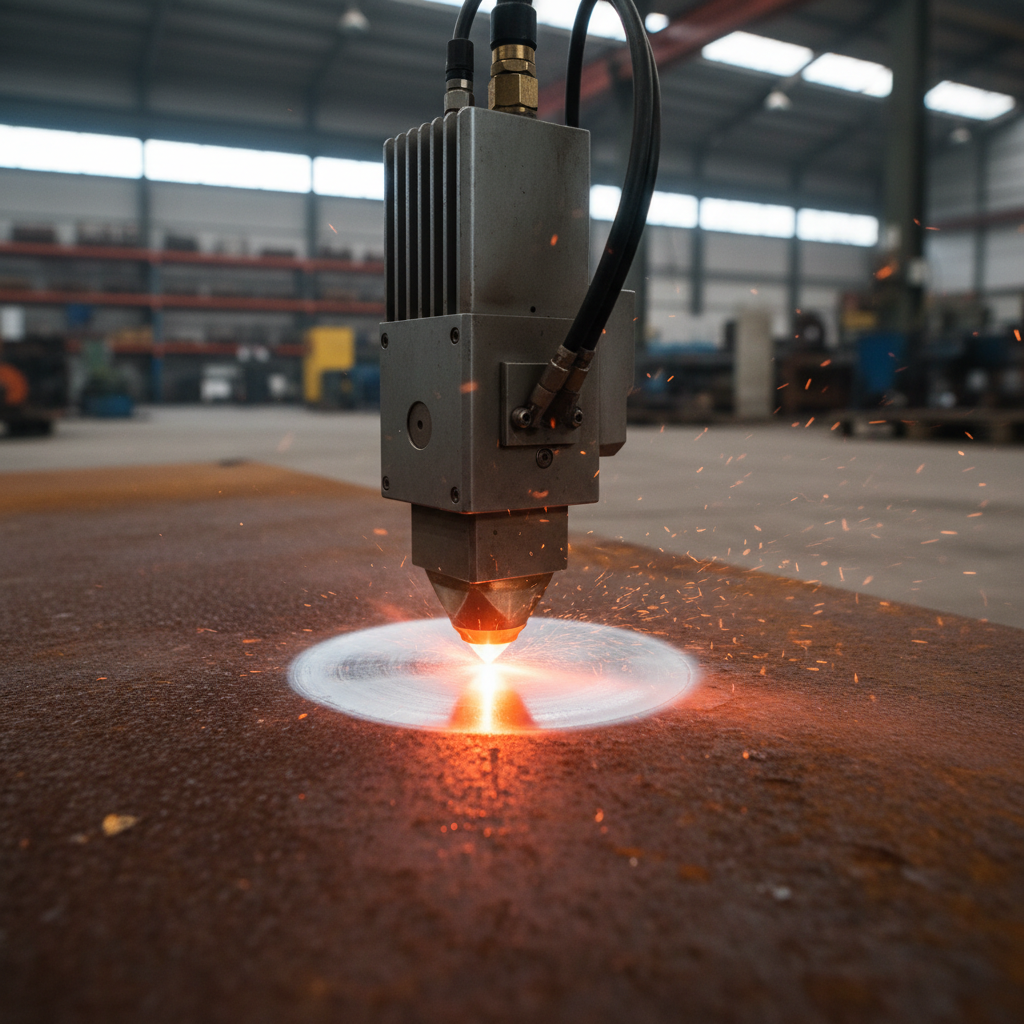
In addition to surface cleaning, ensure that you regularly clean the machine’s ventilation system. This prevents overheating and ensures optimal performance. Depending on usage, you might need to clean the system weekly or monthly.
Inspecting and Replacing Parts
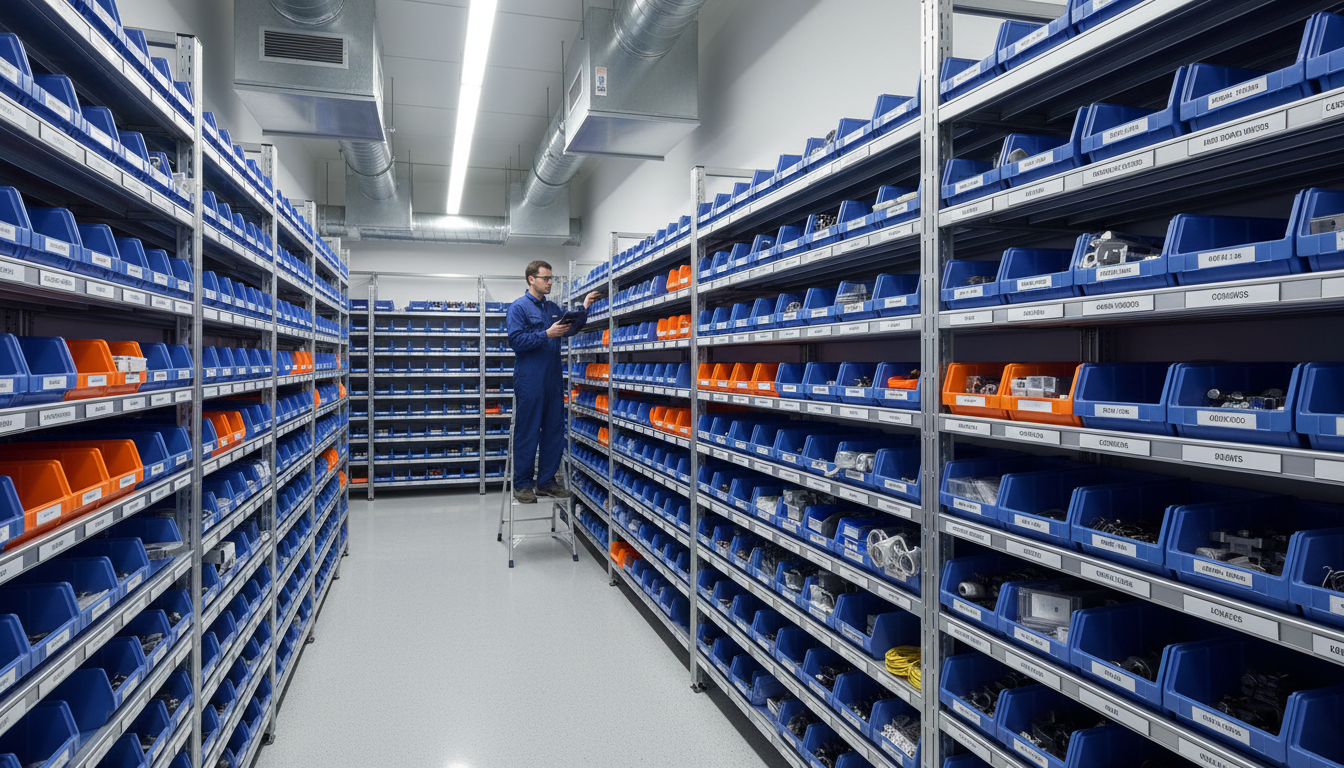
Regularly inspect your laser engraving equipment for worn-out parts. Components such as belts, bearings, and lenses can degrade over time. Keeping a maintenance schedule can help you track when parts need replacement, ensuring uninterrupted operation.
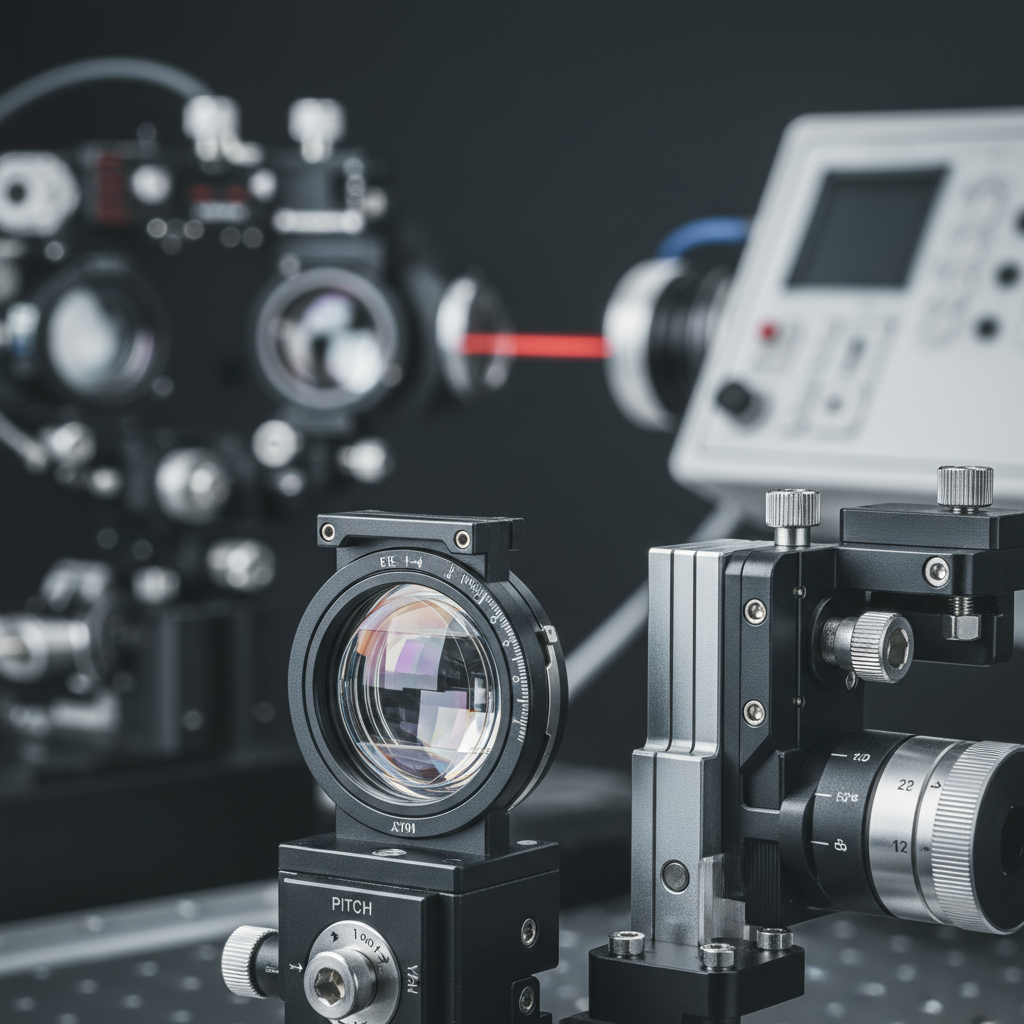
For lenses and mirrors, look for any signs of scratches or cloudiness. Replacing these components as needed will keep your engravings sharp and precise. Always use manufacturer-recommended parts for replacements to maintain the integrity of your machine.
Software and Firmware Updates
Just as important as hardware maintenance is keeping your software up to date. Manufacturers often release updates that improve performance, fix bugs, or add features. Regularly check for firmware updates and install them as needed. This ensures your equipment runs smoothly and efficiently.
Moreover, familiarize yourself with the settings and software capabilities of your laser engraver. Understanding these elements can help you optimize your machine’s performance and troubleshoot issues more effectively.
Calibration and Alignment
Calibration is crucial for maintaining the accuracy of your laser engraver. Regularly check and adjust the alignment of the laser beam. Misalignment can lead to uneven engraving and potential damage to your machine.
Use a calibration tool or guide to ensure precision. If you're unsure how to perform these adjustments, consult your equipment's manual or contact the manufacturer for guidance.
Proper Storage and Environment
Where you store your laser engraving equipment can impact its longevity. Keep the machine in a clean, dry environment, away from direct sunlight and extreme temperatures. Dust and moisture can cause significant damage over time.
Additionally, ensure that your workspace is well-ventilated. Proper ventilation not only helps maintain the machine but also ensures safety by reducing the risk of inhaling fumes generated during engraving.
Training and Safety
Proper training is essential for anyone operating a laser engraver. Ensure that all users are familiar with the machine's safety protocols and operation procedures. This reduces the risk of accidents and extends the life of the equipment.
Encourage ongoing education and refresher courses to keep skills sharp and knowledge updated. This proactive approach can prevent errors that might lead to costly repairs or replacements.
Maintaining your laser engraving equipment is not just about cleaning and replacing parts; it requires a holistic approach that includes software updates, proper storage, and user training. By following these expert tips, you can ensure your machine remains in top condition, delivering consistent and high-quality results.